 furl
furlGenerate from preferences
Choose goals, body areas, experience, and time to create a routine for the current session.
Custom stretching routine builder
Furl gives you two ways to personalize a routine: answer a few questions and let the app assemble a sequence, or build your own routine stretch by stretch.
Free download · Available on iOS and Android
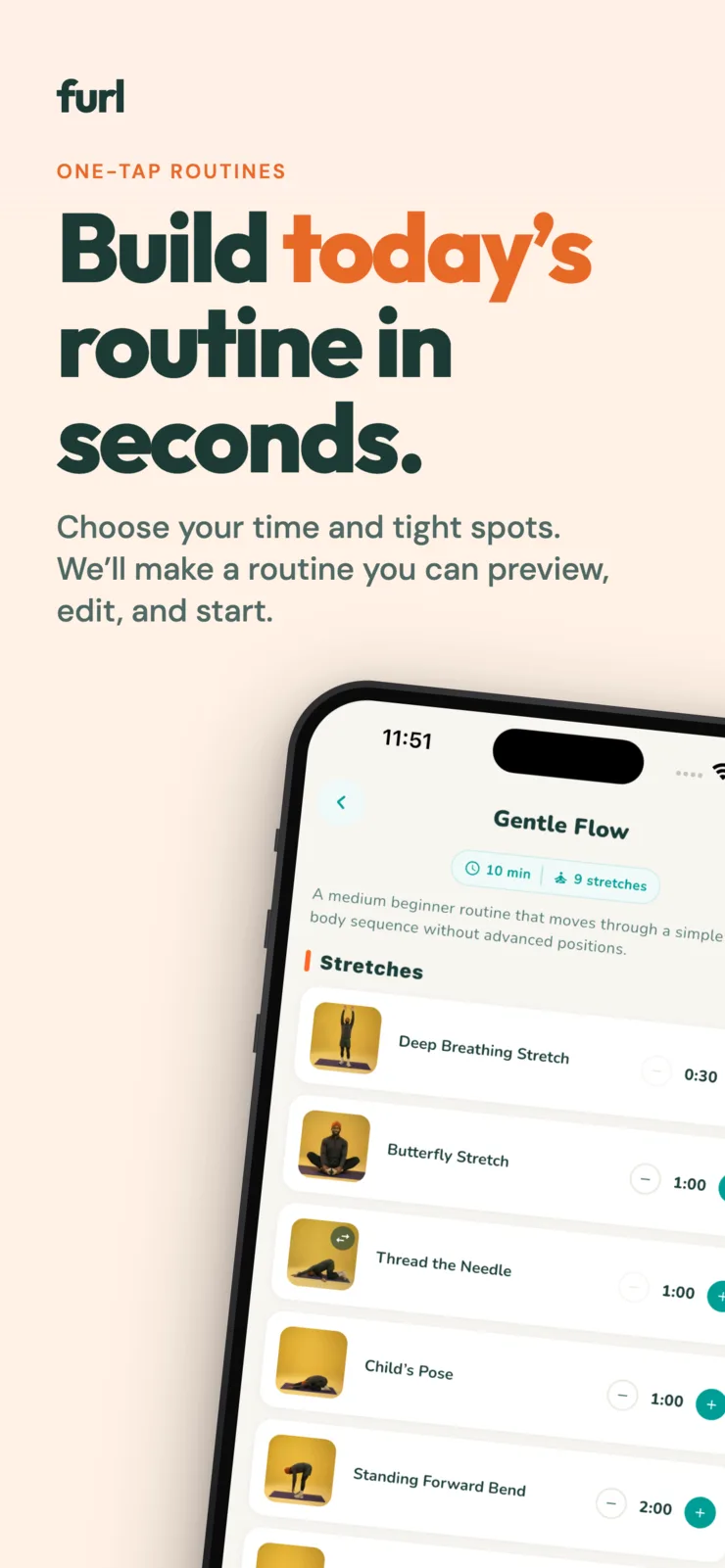
Choose goals, body areas, experience, and time to create a routine for the current session.
Add, remove, reorder, repeat, and change the duration of individual routine items.
Keep custom routines in your account and sync them across supported devices when signed in.
How Furl helps
If you want a fast answer, Furl can build a routine from the goal, target areas, experience, activity, and duration you select. The resulting sequence is available to preview before the timer starts.
If you already know which stretches you want, create an original routine and control the order yourself. You can also use a prepared routine as a starting point and make a personal version.
A stretch can appear more than once in a custom routine, and each instance can have its own duration. Reorder the sequence, remove items that do not fit, and add movements from the available library.
The guided player turns the finished routine into a timed session with progress, audio cues, haptics, pause controls, and prompts for movements that switch sides.
Signed-in users can save routines and progress to their account. Recently completed routines and history make it easier to return to a sequence instead of rebuilding it every time.
Routine personalization is for general wellness and convenience. It is not a clinical assessment or a personalized treatment plan.
Questions and answers
Yes. You can build an original routine, customize a prepared routine, or generate one from your preferences.
Yes. Custom routines support adding, removing, reordering, repeating, and changing the duration of individual stretches.
When you use a signed-in account, Furl can save routines and progress in the cloud for access on supported devices.
Stretch · Move · Reset